mirror of
https://github.com/SteamDeckHomebrew/decky-loader.git
synced 2026-06-13 09:03:20 +03:00
 a52399cc00
As mentioned in issues, feels like an area that might need other things adding to it as issues are found :)
1.3 KiB
1.3 KiB
Plugin Loader
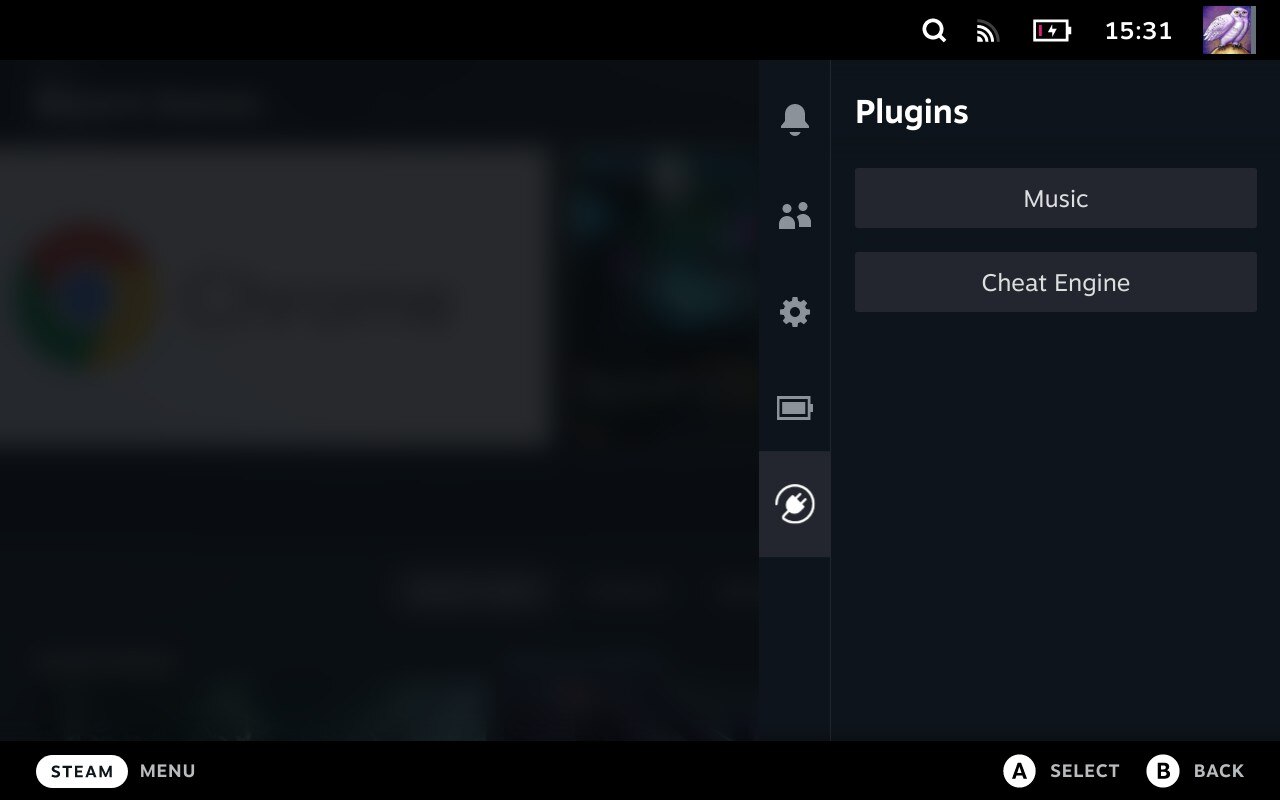
Installation
- Go into the Steam Deck Settings
- Under System -> System Settings toggle
Enable Developer Mode - Scroll the sidebar all the way down and click on
Developer - Under Miscellaneous, enable
CEF Remote Debugging - Place the executable under
~/homebrew/services/plugin_loader. Do not change the name of the file. - Place the plugin_manager.service file under
/etc/systemd/system - Open a Terminal and type
systemctl --now --user enable plugin_manager
Install Plugins
- Simply copy the plugin's .py file into
~/homebrew/plugins
Features
- Clean injecting and loading of one or more plugins
- Persistent. It doesn't need to be reinstalled after every system update
- Allows 2-way communication between the plugins and the loader.
- Allows plugins to define python functions and run them from javascript.
- Allows plugins to make fetch calls, bypassing cors completely.
Caveats
- You can only interact with the Plugin Menu via touchscreen.
Credit
The original idea for the concept is based on the work of marios8543's steamdeck-ui-inject project.