mirror of
https://github.com/SteamDeckHomebrew/decky-loader.git
synced 2026-06-11 08:03:26 +03:00

2.8 KiB
2.8 KiB
Plugin Loader 
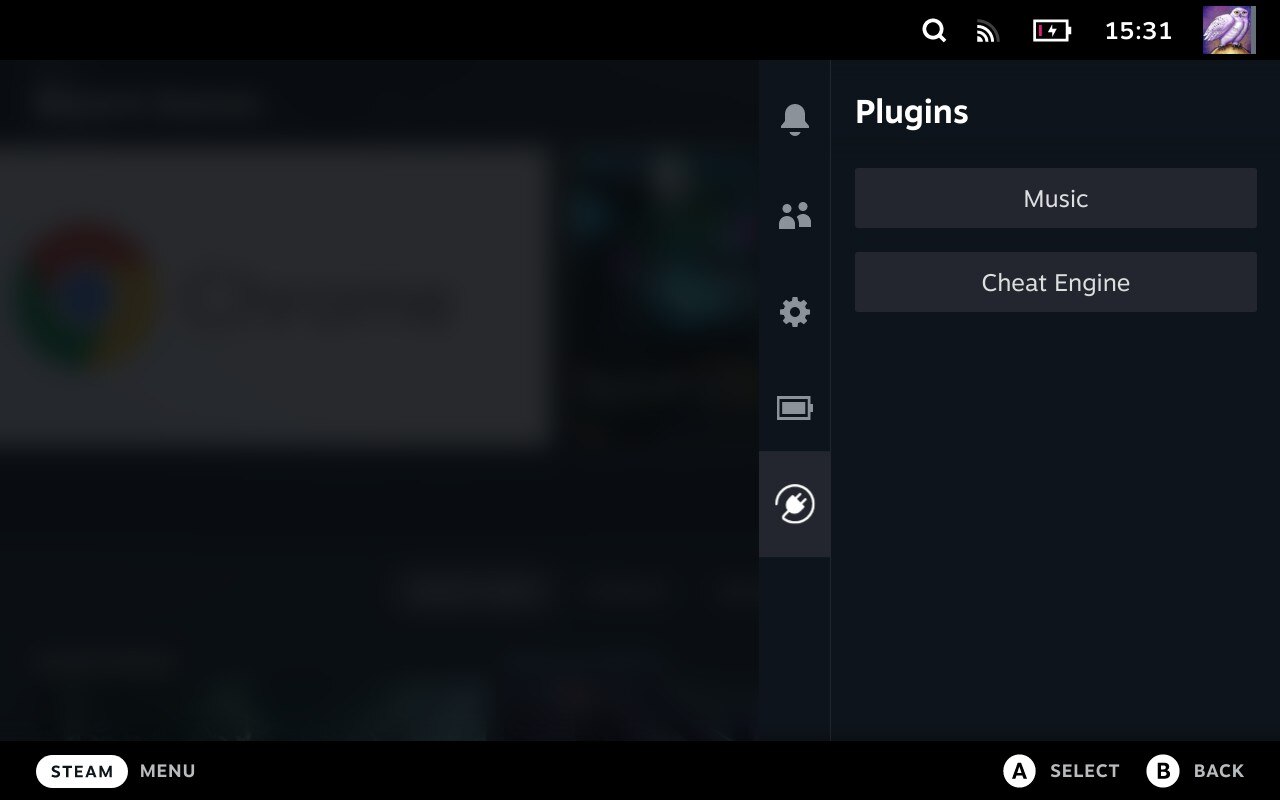
Keep an eye on the Wiki for more information about Plugin Loader, documentation + tools for plugin development and more.
Installation
- Go into the Steam Deck Settings
- Under System -> System Settings toggle
Enable Developer Mode - Scroll the sidebar all the way down and click on
Developer - Under Miscellaneous, enable
CEF Remote Debugging - Click on the
STEAMbutton and selectPower->Switch to Desktop - Open a terminal and paste the following command into it:
- For users:
curl -L https://github.com/SteamDeckHomebrew/PluginLoader/raw/main/dist/install_release.sh | sh
- For plugin developers:
- For users:
- Done! Reboot back into Gaming mode and enjoy your plugins!
Install Plugins
- Using the shopping bag button in the top right corner, you can go to the offical "Plugin Store"
- Simply copy the plugin's folder into
~/homebrew/plugins
Uninstall
- Open a terminal and paste the following command into it:
- For both users and developers:
curl -L https://github.com/SteamDeckHomebrew/PluginLoader/raw/main/dist/uninstall.sh | sh
- For both users and developers:
Features
- Clean injecting and loading of one or more plugins
- Persistent. It doesn't need to be reinstalled after every system update
- Allows 2-way communication between the plugins and the loader.
- Allows plugins to define python functions and run them from javascript.
- Allows plugins to make fetch calls, bypassing cors completely.
Developing plugins
- There is no complete plugin development documentation yet. However a good starting point is the Plugin Template repository.
Contribution
- Please consult the Wiki for installing development versions of PluginLoader.
- This is also useful for Plugin Developers looking to target new but unreleased versions of PluginLoader.
- Here's how to get the Steam Deck UI on your enviroment of choice.
- (The video shows Windows usage but unless you're using Arch WSL/cygwin this script is unsupported on Windows.)
Source control and deploying plugins are left to each respective contributor for the cloned repos in order to keep depedencies up to date.
Credit
The original idea for the concept is based on the work of marios8543's steamdeck-ui-inject project.