mirror of
https://github.com/SteamDeckHomebrew/decky-loader.git
synced 2026-06-11 16:13:51 +03:00
 cadb687cd7
* Add contributor install script

* Switched to non-tmp directory

* Fixed potential issue with passwords being not being parsed properly

* Replace up hardcoded ports and silence npm

* Removed legacy support version, changed to https git clones

* Add non-deck compatible version of script

* Switch to arguments parsed while running script for contrib pc

* Now compatible with curl install from terminal, but it's a bit fragile

* Incorrect install directory for plugintemplate

* Functionalized a ton of stuff

* Changed in anticipation of merge to react-frontend-plugins branch

* Added guide to enable Steam Deck UI and clarification about Windows

* Moved contribution scripts to contrib and provided "how to run"

* Reordered README for clarity and better placement for contribution sect.

* Looks better

* Removed un-needed file-transfers and added better checks and run info

* Improved how to run given at end of script.

* Improved warning, improved ssh invocation globally and how-to-use/run

* Link to new plugin template and added link to the wiki in readme

* testing for remote invocation

* Fixed bug with invocation via curl

* Just in case...
3.4 KiB
3.4 KiB
TODO
- Fix button size/display
- Add plugin installation prompts for browser
- Fix components not updating unless tab opened first (with new tab hook)
- Clean up code
Plugin Loader 
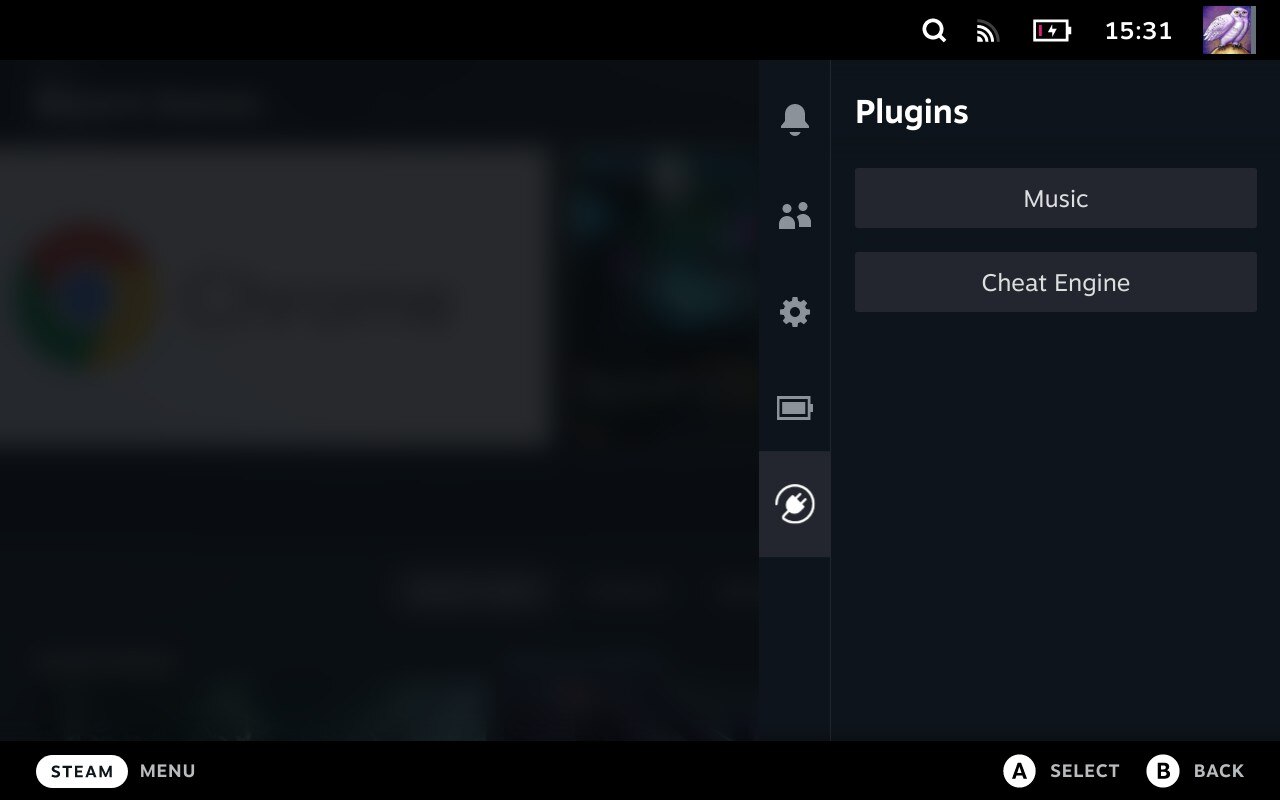
Keep an eye on the Wiki for more information about Plugin Loader, documentation + tools for plugin development and more.
Installation
- Go into the Steam Deck Settings
- Under System -> System Settings toggle
Enable Developer Mode - Scroll the sidebar all the way down and click on
Developer - Under Miscellaneous, enable
CEF Remote Debugging - Click on the
STEAMbutton and selectPower->Switch to Desktop - Open a terminal and paste the following command into it:
- For users:
curl -L https://github.com/SteamDeckHomebrew/PluginLoader/raw/main/dist/install_release.sh | sh
- For plugin developers:
-Nightly releases are currently broken.curl -L https://github.com/SteamDeckHomebrew/PluginLoader/raw/main/dist/install_nightly.sh | sh
- For users:
- Done! Reboot back into Gaming mode and enjoy your plugins!
Install Plugins
- Simply copy the plugin's folder into
~/homebrew/plugins
Uninstall
- Open a terminal and paste the following command into it:
- For both users and developers:
curl -L https://github.com/SteamDeckHomebrew/PluginLoader/raw/main/dist/uninstall.sh | sh
- For both users and developers:
Features
- Clean injecting and loading of one or more plugins
- Persistent. It doesn't need to be reinstalled after every system update
- Allows 2-way communication between the plugins and the loader.
- Allows plugins to define python functions and run them from javascript.
- Allows plugins to make fetch calls, bypassing cors completely.
Developing plugins
- There is no complete plugin development documentation yet. However a good starting point is the Plugin Template repository.
Contribution
- For Plugin Loader contributors (in possession of a Steam Deck):
curl -L https://github.com/SteamDeckHomebrew/PluginLoader/raw/react-frontend-plugins/contrib/deck.sh | sh
- For PluginLoader contributors (without a Steam Deck):
curl -L https://github.com/SteamDeckHomebrew/PluginLoader/raw/react-frontend-plugins/contrib/pc.sh | sh- Here's how to get the Steam Deck UI on your enviroment of choice.
- (The video shows Windows usage but unless you're using WSL/cygwin this script is unsupported on Windows.)
To run your development version of Plugin Loader on Deck, run a command like this:
ssh deck@steamdeck 'export PLUGIN_PATH=/home/deck/loaderdev/plugins; export CHOWN_PLUGIN_PATH=0; echo 'password' | sudo -SE python3 /home/deck/loaderdev/pluginloader/backend/main.py'
Or on PC with the Deck UI enabled:
export PLUGIN_PATH=/home/user/installdirectory/plugins;
export CHOWN_PLUGIN_PATH=0;
sudo python3 /home/deck/loaderdev/pluginloader/backend/main.py
Source control and deploying plugins are left to each respective contributor for the cloned repos in order to keep depedencies up to date.
Credit
The original idea for the concept is based on the work of marios8543's steamdeck-ui-inject project.