mirror of
https://github.com/SteamDeckHomebrew/decky-loader.git
synced 2026-06-17 08:47:49 +00:00
 marios
5e9c12bac8
marios
5e9c12bac8
* Initial commit. Untested

* various fixes

Core functionality confirmed working:
 - Iframe injection into steam client
 - Plugin fetching from the iframe
 - Plugin opening

* Added function to fetch resources from steam

* Improved injector module, added server-js communication

- Injector module now has methods for better lower-level manipulation of the tab debug websocket.
- Our "front-end" can now communicate with the manager (2-way), completely bypassing the chromium sandbox. This works via a dirty debug console trick, whoever wants to know how it works can take a look at the code.
- Added utility methods file, along with an implementation of the aiohttp client that our "front-end" can access, via the system described above.
- Added js implementations of the communication system described above, which can be imported by plugins.

* Added steam_resource endpoint

* Added basic installer script

* retry logic bug fix

* fixed library injection, event propagation, websocket handling

- library is injected directly into the plugins as well as the plugin list
- resolveMethodCall is implemented in the plugin_list.js file, which in turns calls window.sendMessage on the iframe to propagate the event
- websocket method calls are processed in their own tasks now, so as not to block on long-running calls.

Co-authored-by: tza <tza@hidden>
Co-authored-by: WerWolv <werwolv98@gmail.com>
27 lines
1.2 KiB
Markdown
27 lines
1.2 KiB
Markdown
# This is a Work-In-Progress (WIP)
|
|
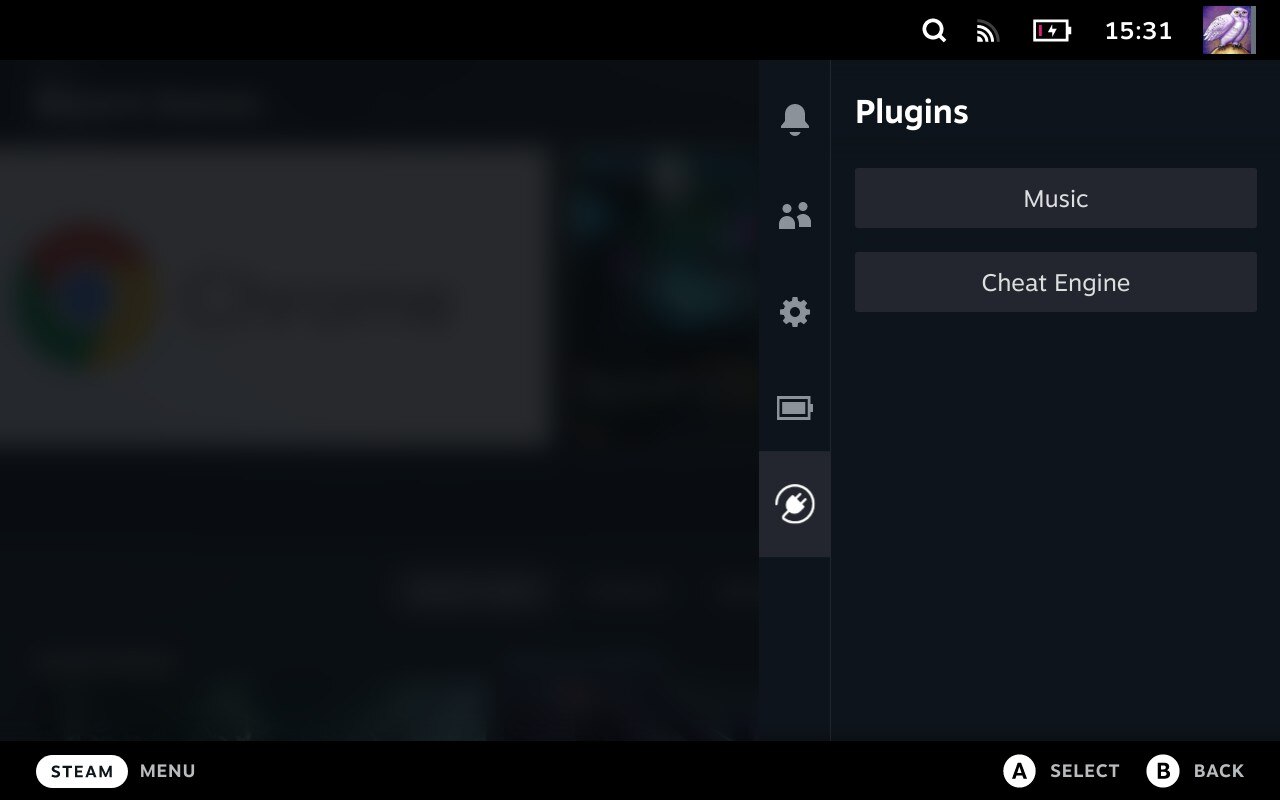
# SteamOS Plugin Manager
|
|
|
|
|
|
|
|
## Installation
|
|
- Go into the Steam Deck Settings
|
|
- Under System -> System Settings toggle `Enable Developer Mode`
|
|
- Scroll the sidebar all the way down and click on `Developer`
|
|
- Under Miscellaneous, enable `CEF Remote Debugging`
|
|
- Place the executable under `~/homebrew/services/plugin_loader`. Do not change the name of the file.
|
|
- Place the plugin_manager.service file under `/etc/systemd/system`
|
|
- Open a Terminal and type `systemctl --now --user enable plugin_manager`
|
|
|
|
### Install Plugins
|
|
- Simply copy the plugin's .py file into `~/homebrew/plugins`
|
|
|
|
## Features
|
|
- Clean injecting and loading of one or more plugins
|
|
- Persistent. It doesn't need to be reinstalled after every system update
|
|
- Allows 2-way communication between the plugins and the loader.
|
|
- Allows plugins to define python functions and run them from javascript.
|
|
- Allows plugins to make fetch calls, bypassing cors completely.
|
|
|
|
## Credit
|
|
|
|
The original idea for the concept is based on the work of [marios8543's steamdeck-ui-inject](https://github.com/marios8543/steamdeck-ui-inject) project. |